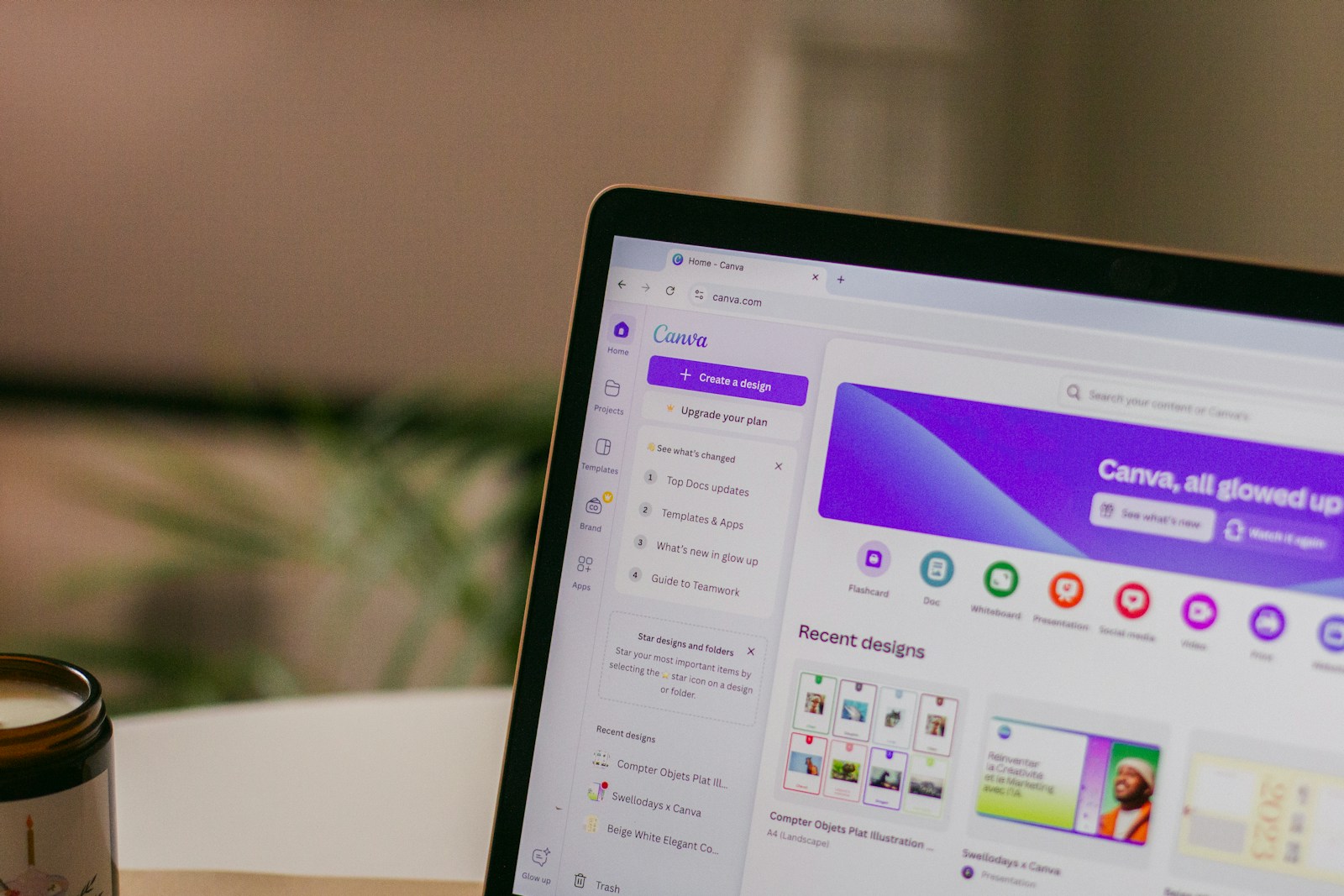
Canva templates have become one of the most popular digital products to sell online. With millions of creators, small businesses, and marketers using Canva every day, there is constant demand for well-designed templates.
Many creators are now learning how to sell Canva templates online because it’s one of the easiest ways to start a digital product business.
The best part is that Canva templates are relatively easy to create and can be sold repeatedly once they are published.
In this guide, you’ll learn how to create and sell Canva templates online, even if you’re just starting out.
Digital products are one of the easiest ways to make money online.
Why Canva Templates Are a Great Digital Product
Canva templates are attractive for beginner creators because they require very little technical knowledge.
Unlike software tools or courses, templates are quick to produce and easy for customers to use.
Some of the biggest benefits include:
- low creation time
- no inventory or shipping
- scalable income
- high demand from creators and small businesses
Because Canva is widely used by marketers and entrepreneurs, good templates can sell consistently over time.
Popular Canva Templates That Sell Well
Some Canva templates are consistently popular in online marketplaces.
These include:
Social Media Templates
Businesses and creators constantly need social media graphics.
Examples include:
- Instagram carousel templates
- Pinterest pin templates
- LinkedIn post templates
- YouTube thumbnail templates
Business Templates
Entrepreneurs often buy templates to help run their businesses.
Examples include:
- marketing planners
- brand kits
- content calendars
- client onboarding documents
Printable Templates
Printable designs are also very popular.
Examples include:
- planners
- journals
- checklists
- productivity trackers
If you’re still brainstorming ideas, check out our list of digital products you can create this weekend.
How to Create Canva Templates
Creating Canva templates is surprisingly simple.
Follow these steps.
Step 1: Choose a Niche
The most successful templates are designed for a specific audience.
Examples include:
- real estate agents
- fitness coaches
- Etsy sellers
- YouTubers
- freelancers
A niche template solves a clear problem and is easier to market.
Step 2: Design the Template
Open Canva and create your design using the correct dimensions.
Focus on:
- clean layouts
- easy-to-edit text
- consistent colors
- professional typography
Remember that buyers will want to customize the template, so avoid locking in too many design elements.
Step 3: Turn the Design Into a Template Link
Once your design is complete, you can turn it into a shareable template.
In Canva:
- Click Share
- Select Template link
- Copy the template URL
This link allows customers to create their own copy of the design.
Step 4: Package the Product
Your Canva template should be delivered through a simple instruction file.
Most sellers provide:
- a PDF with the template link
- instructions on how to use the template
- preview images of the design
This makes it easy for buyers to access their purchase.
Where to Sell Canva Templates
There are several platforms where creators sell Canva templates successfully.
Popular options include:
- Etsy
- Gumroad
- Creative Market
- personal websites
If you’re exploring platforms, our guide on the best platforms to sell digital products compares the most popular options.
If you’re just getting started with digital products, you can also read our guide on how to sell digital products online.
Tips for Selling More Templates
Successful template sellers often follow a few simple strategies.
Create Template Bundles
Instead of selling a single template, offer a bundle of multiple designs.
Bundles increase perceived value and allow you to charge higher prices.
Focus on a Specific Audience
Templates designed for a niche audience tend to sell better than generic designs.
For example:
A fitness coach Instagram template pack is easier to market than a generic social media pack.
Create Multiple Products
Many successful sellers have dozens of template listings.
The more products you create, the more opportunities you have to generate sales.
Common Mistakes to Avoid
When selling Canva templates, beginners sometimes make a few common mistakes.
Overcomplicated designs
Templates should be easy for buyers to edit.
Targeting everyone
Templates designed for a niche audience usually perform better.
Poor preview images
Strong product previews help buyers understand the value of your templates.
Final Thoughts
Selling Canva templates is one of the easiest ways to start a digital product business.
With simple design tools and the right niche, creators can build products that generate income repeatedly.
Start with a few high-quality templates, publish them on a marketplace or your own website, and continue expanding your product library over time.
Frequently Asked Questions
Can beginners sell Canva templates?
Yes, beginners can absolutely sell Canva templates. Canva is designed to be beginner-friendly, and many successful template sellers started with simple designs.
How much money can you make selling Canva templates?
Income varies depending on niche and marketing. Some creators make a few hundred dollars per month, while established template shops can earn thousands.
Where can I sell Canva templates?
Common platforms include Etsy, Gumroad, Creative Market, and personal websites.